[SwiftUI Tutorials] SwiftUI Essentials - Creating and Combining Views
Creating and Combining Views | Apple Developer Documentation
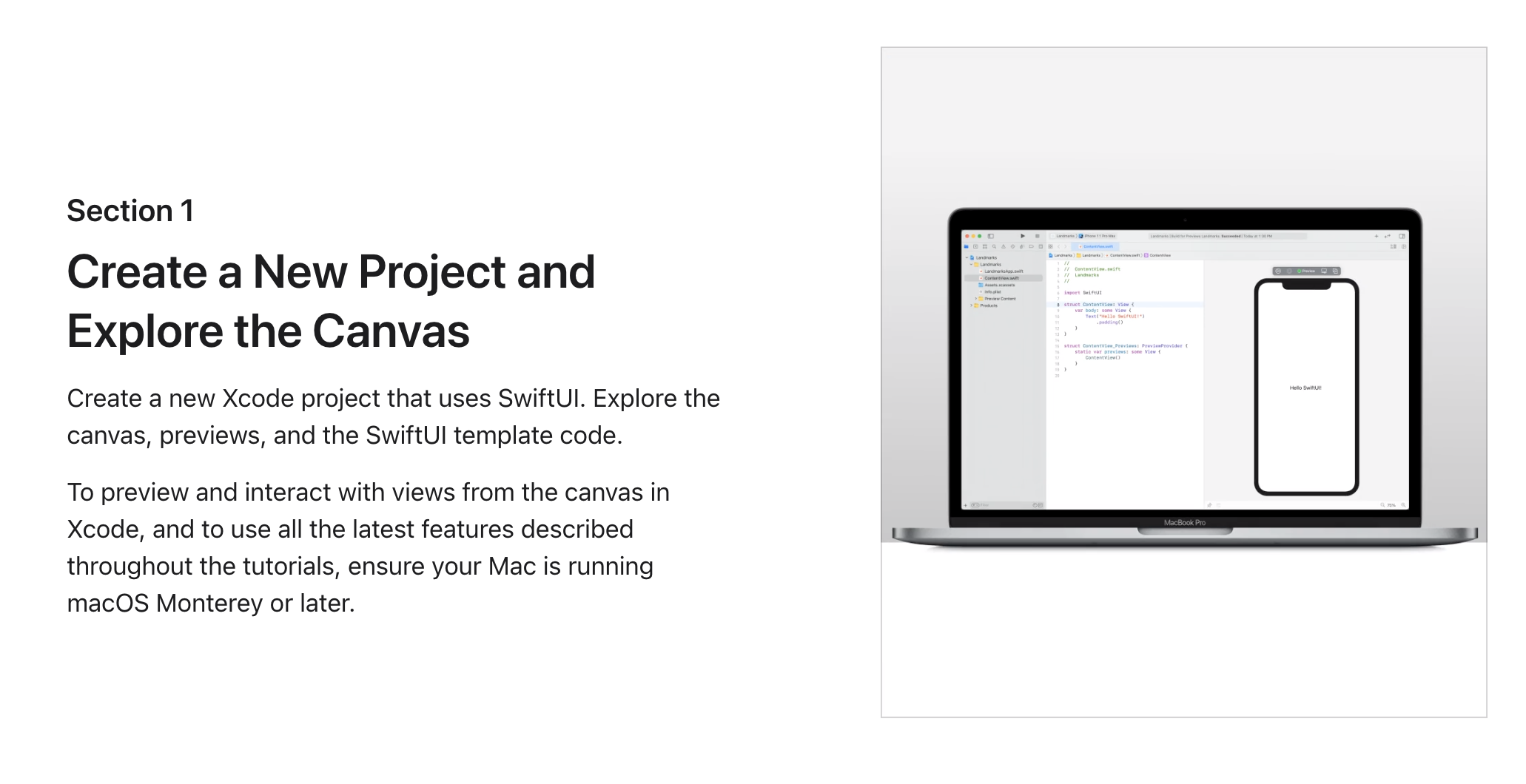
This tutorial guides you through building Landmarks — an app for discovering and sharing the places you love. You’ll start by building the view that shows a landmark’s details.
developer.apple.com
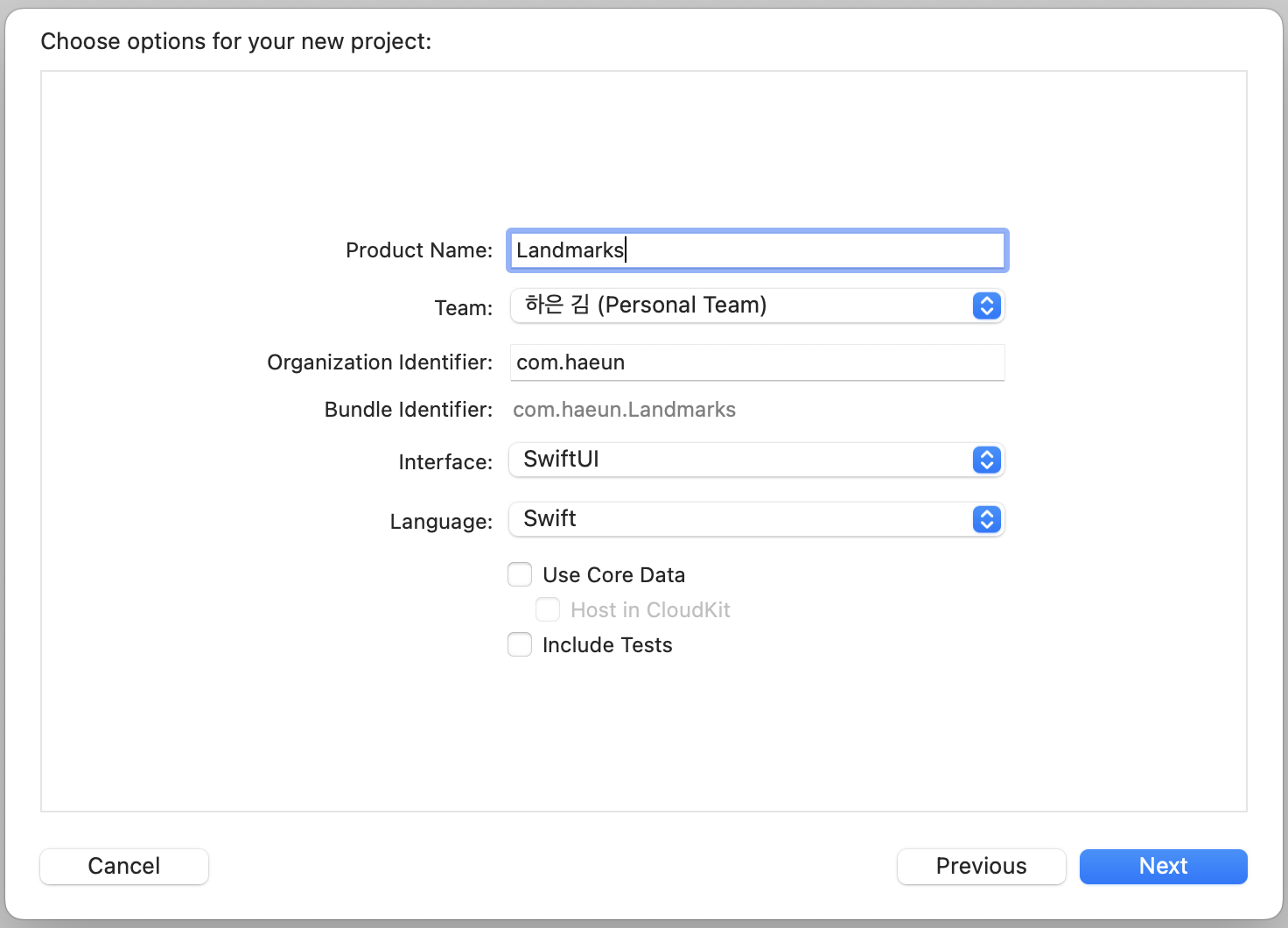


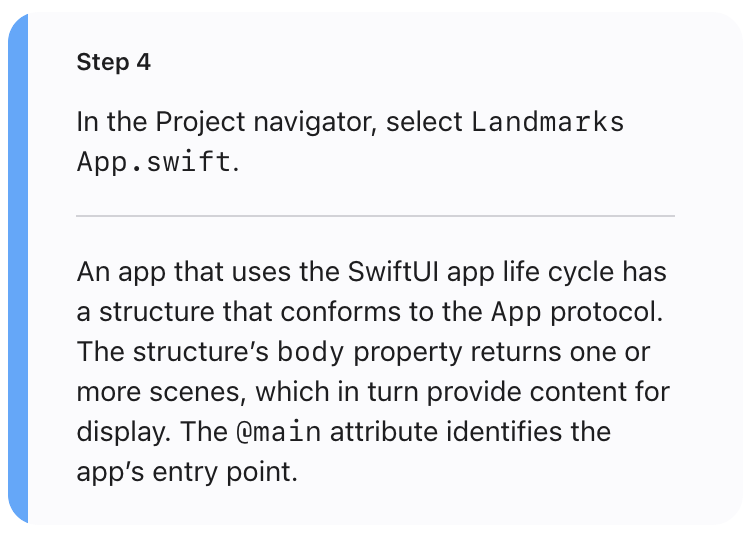
- SwiftUI 앱 수명 주기를 사용하는 앱은 앱 프로토콜을 준수하는 구조를 가짐.
- 이 구조의 body 속성은 하나 이상의 Scene을 반환하고 표시할 콘텐츠를 제공.
- @main 속성은 앱의 entry point를 식별.


- 기본적으로 SwiftUI view 파일은 두 개의 구조를 선언
- 첫 번째 구조는 View 프로토콜을 준수하고 뷰의 콘텐츠와 레이아웃을 설명
- 두 번째 구조는 해당 보기에 대한 미리보기를 선언
보면 튜토리얼 공식 문서랑 내 코드랑 다른 걸 볼 수 있는데, 이건 xcode가 업데이트 되면서 기본 코드가 아이콘이 추가된 ui로 바뀐듯 하다.
딱히 폴더구조에서 이미지 파일이 없어서 의아했었는데, 든든한 우리팀 테크 동료 루빅이 SF Symbols의 존재를 알려줬다!
Image(systemName: "아이콘 이름") 이렇게 하면 로컬에서 따로 이미지 파일이 없어도 이미지 삽입이 가능하다.
SwiftUI가 정말 간편하고 좋은게, 뒤에 .을 붙여서 확장자처럼 여러 디자인 요소나 속성값을 바로바로 코딩할 수 있다는 점.
손에만 익으면 UI 정말 빨리 그릴 수 있을 듯! 아직은 외울게 많다.


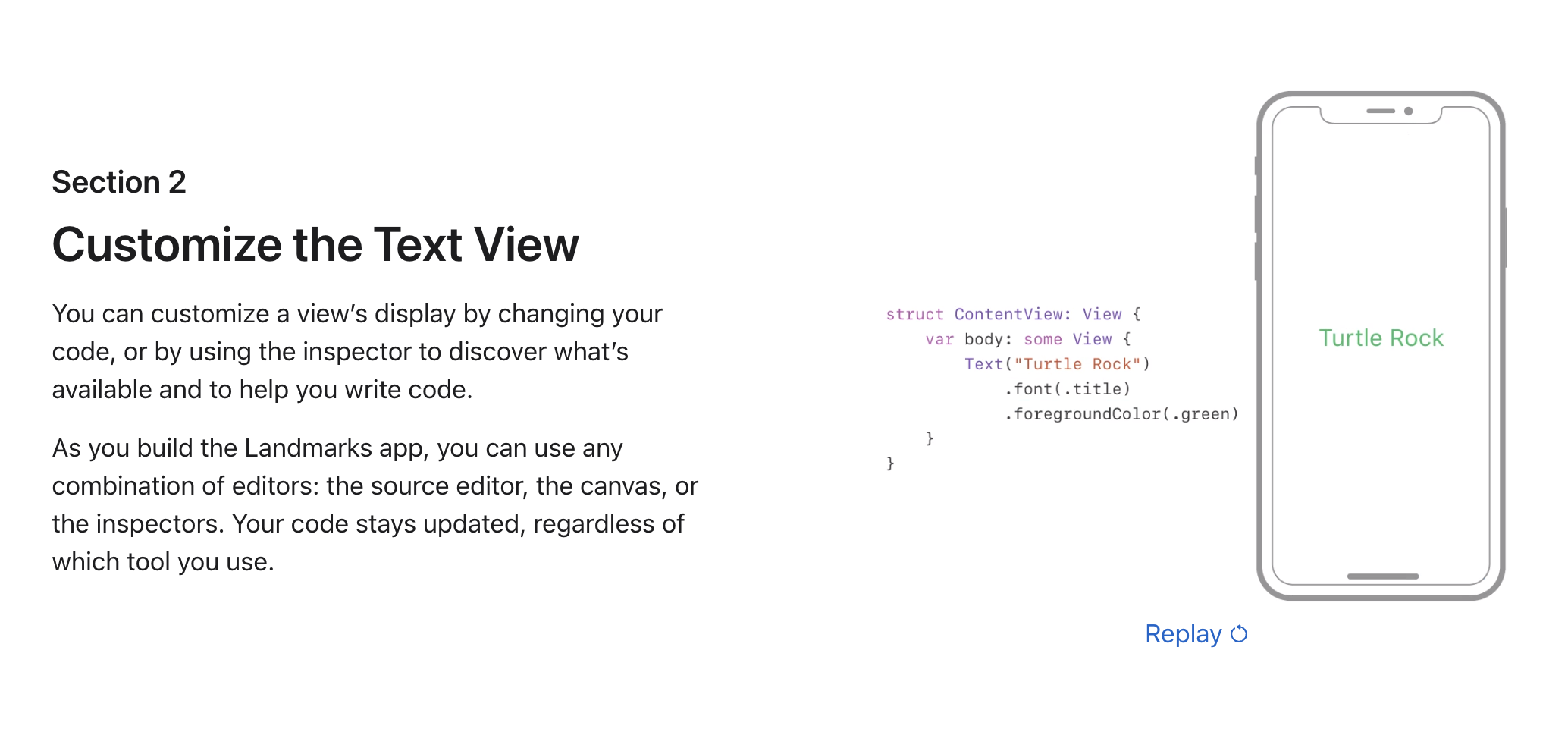
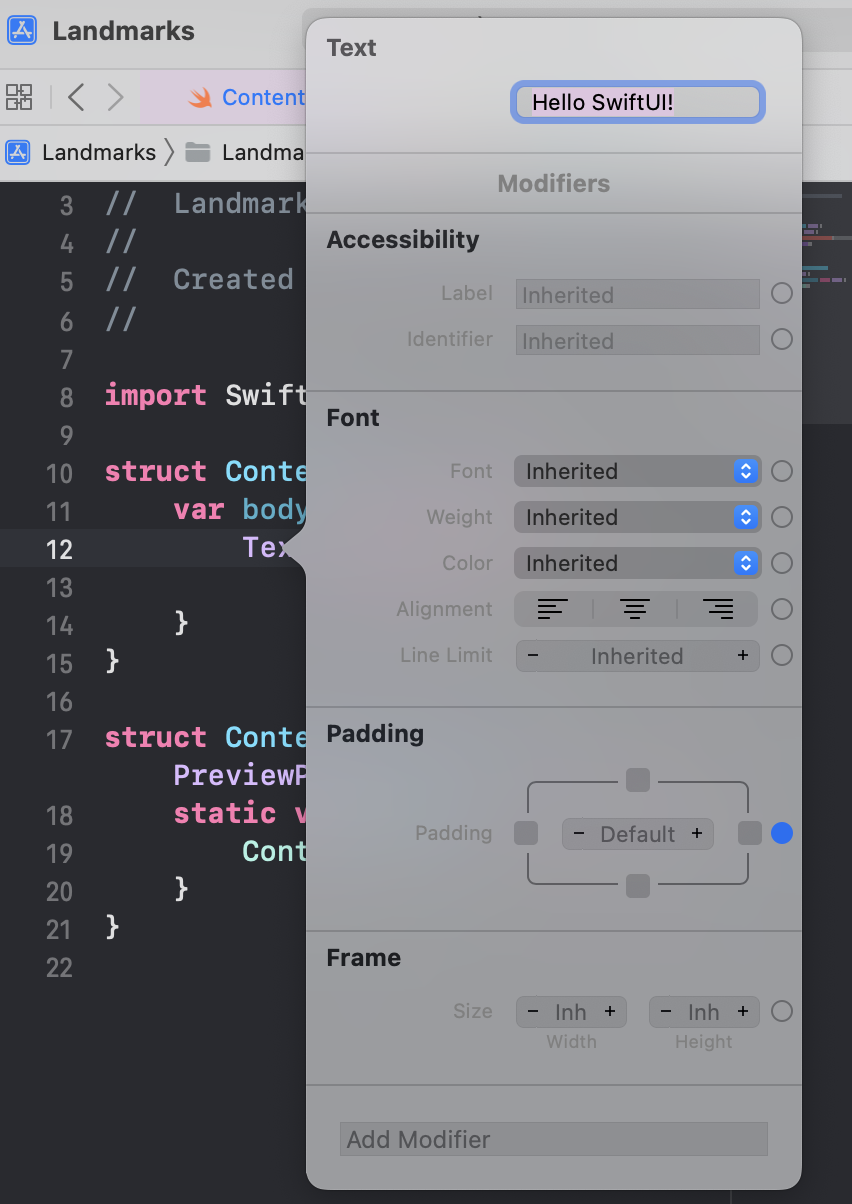
- 코드 변경 혹은 인스펙터를 사용하여 text view 수정
- Landmarks 앱을 빌드할 때 source editor, 캔버스, 인스펙터와 같은 편집기 조합을 사용
- 사용하는 도구에 관계없이 코드는 업데이트된 상태로 유지된다.
1) 인스펙터
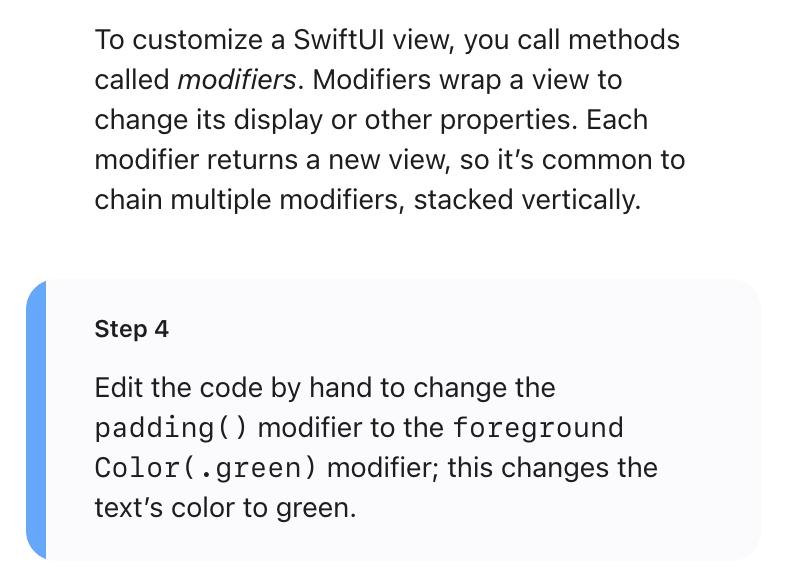
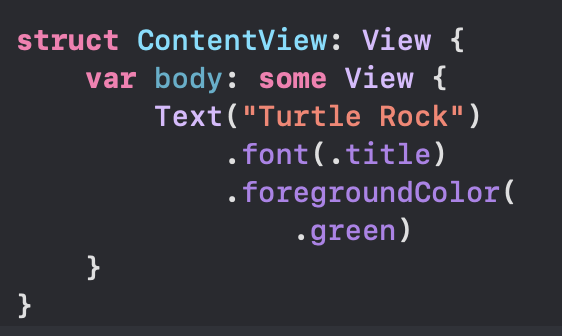
- SwiftUI 보기를 사용자 지정하려면 modifers 라는 메서드를 호출.
- modifers는 뷰를 래핑하여 표시 또는 기타 속성을 변경.
- 각 modifer는 새로운 view를 반환하므로 여러 modifers를 사슬처럼 엮어서 연결하는 것이 일반적
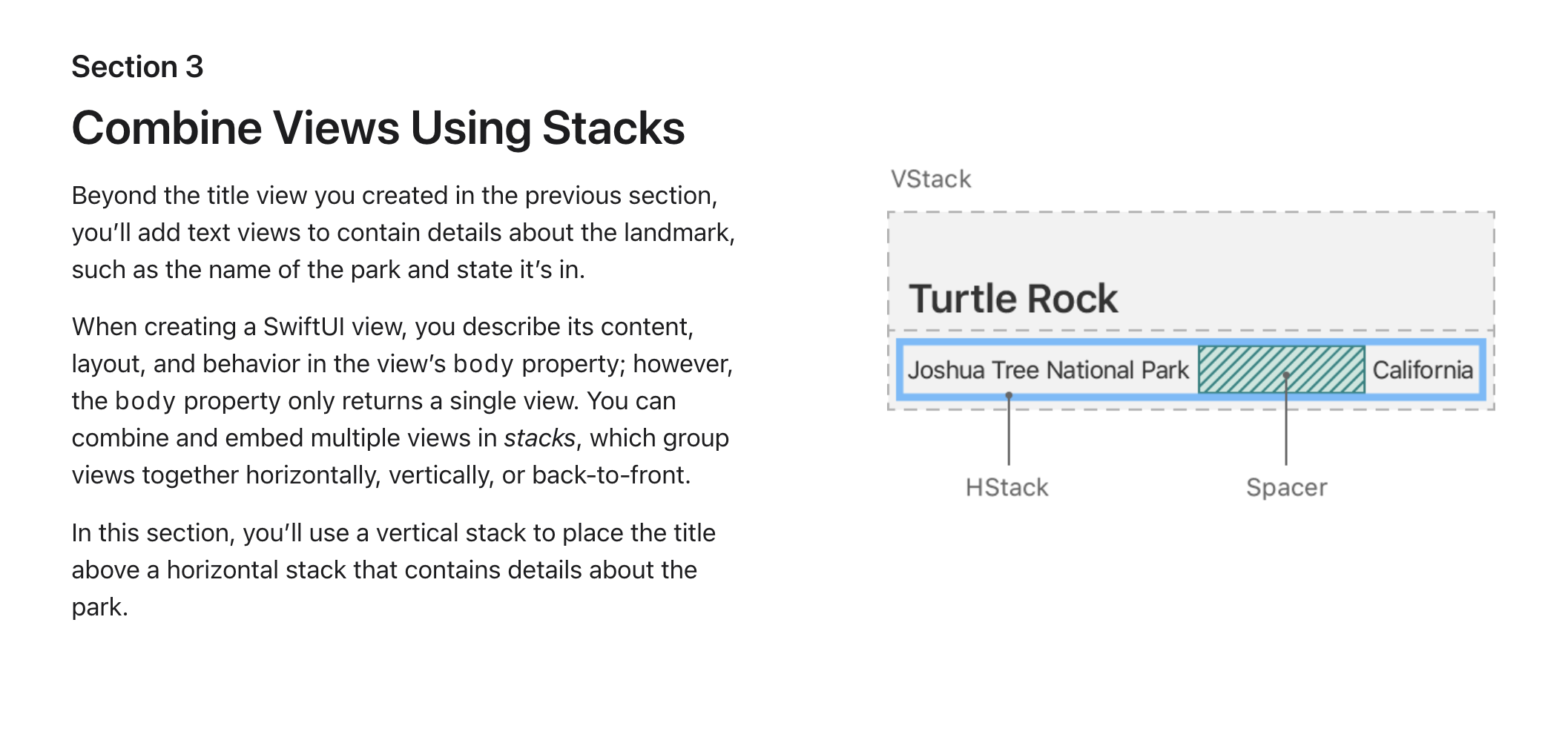
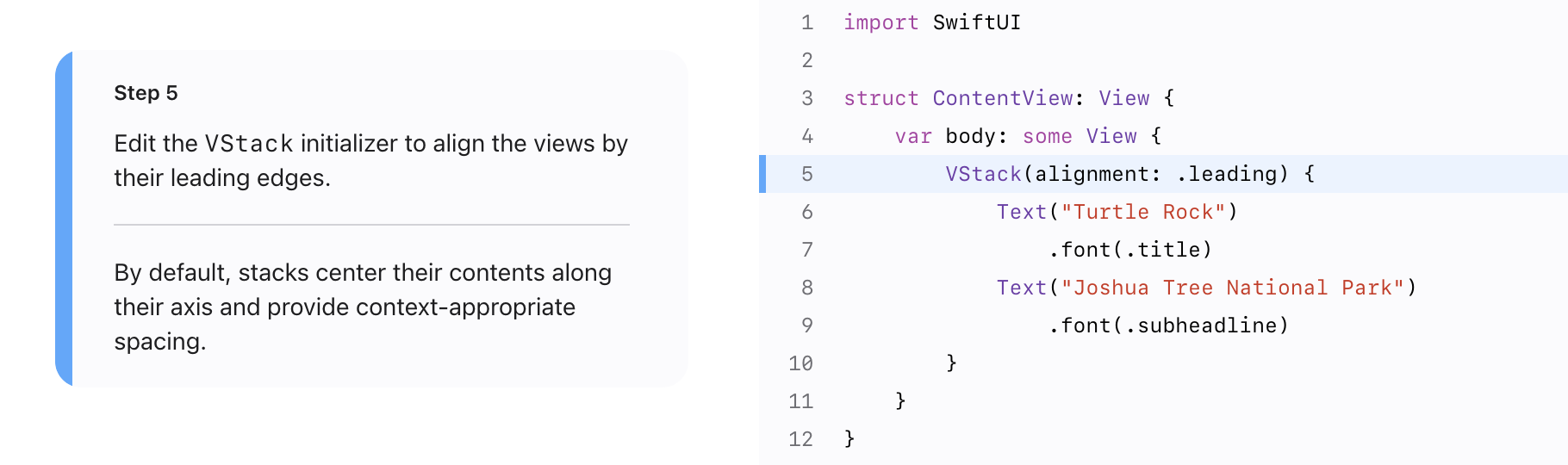
Stack을 이용하여 여러가지 view(UI요소 인듯) 결합

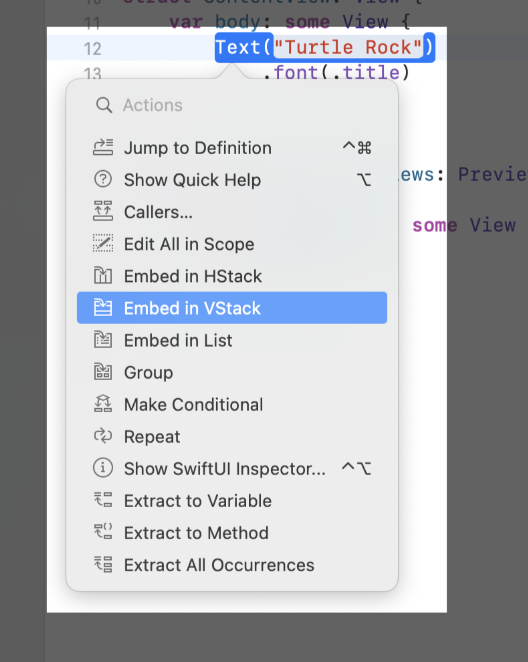
HStack이 가로로, VStack이 세로
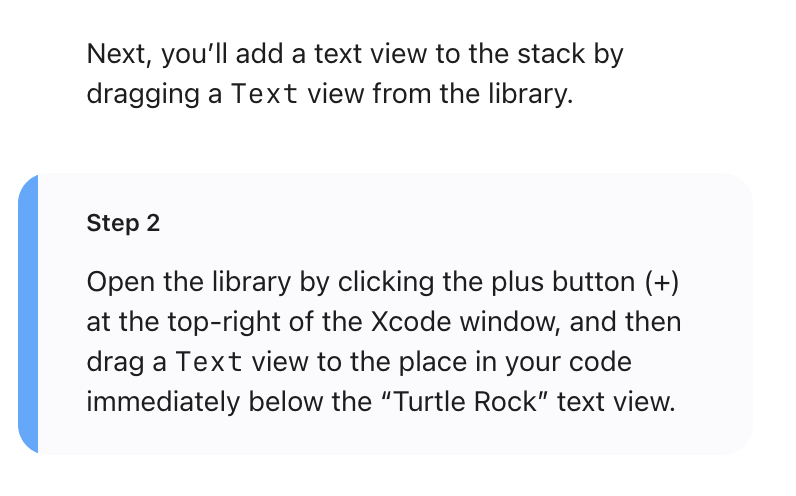
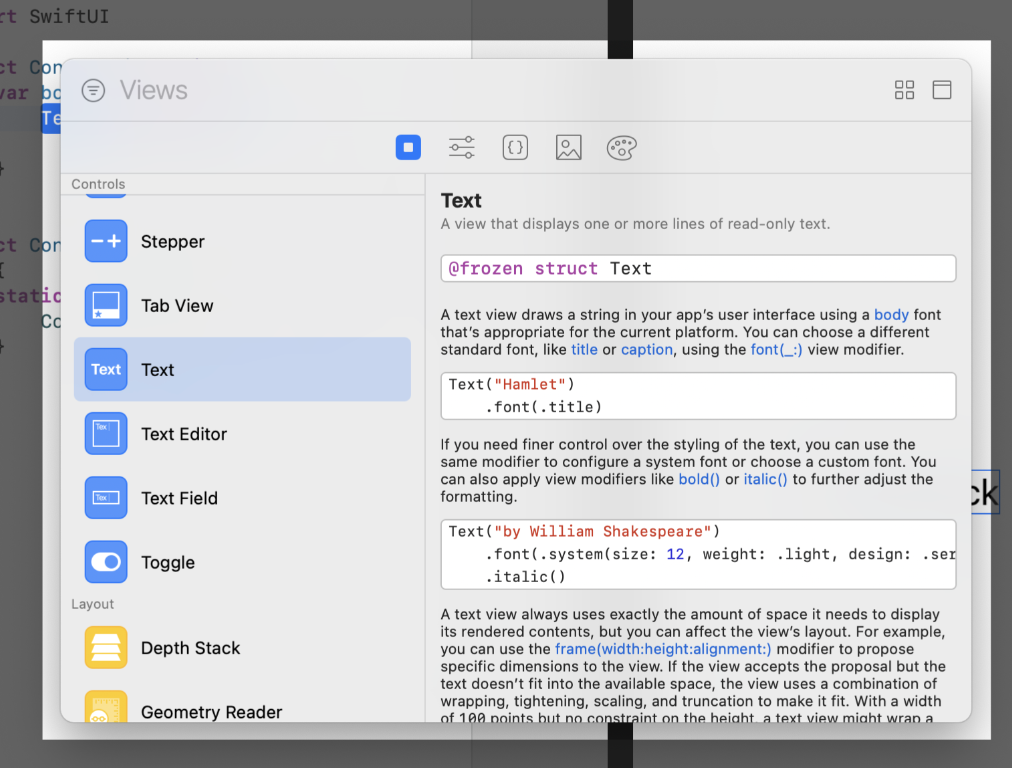
코드에 바로 끌고올 수 있음

//
//  SwiftUIView.swift
//  Landmarks
//
//  Created by 김하은 on 2023/03/26.
//

import SwiftUI

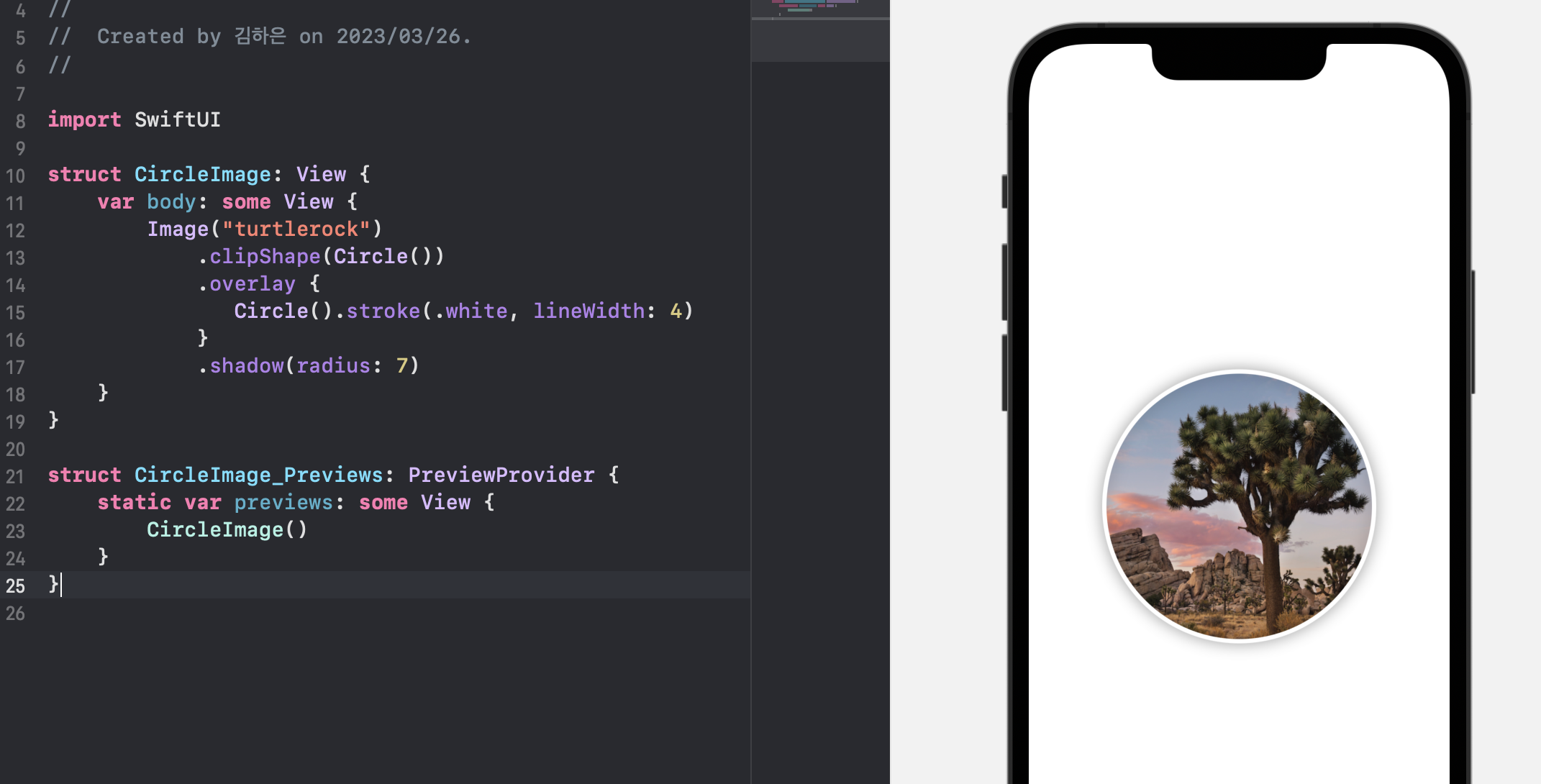
struct CircleImage: View {
    var body: some View {
        Image("turtlerock")
            .clipShape(Circle())
            .overlay {
               Circle().stroke(.white, lineWidth: 4)
            }
            .shadow(radius: 7)
    }
}

struct CircleImage_Previews: PreviewProvider {
    static var previews: some View {
        CircleImage()
    }
}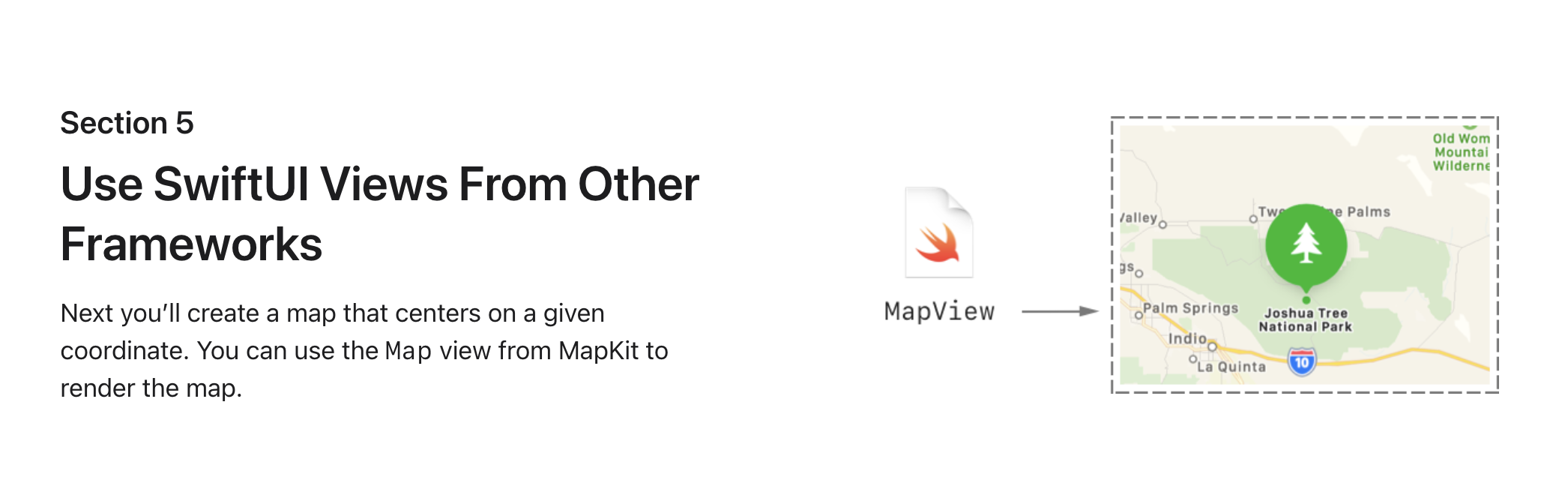
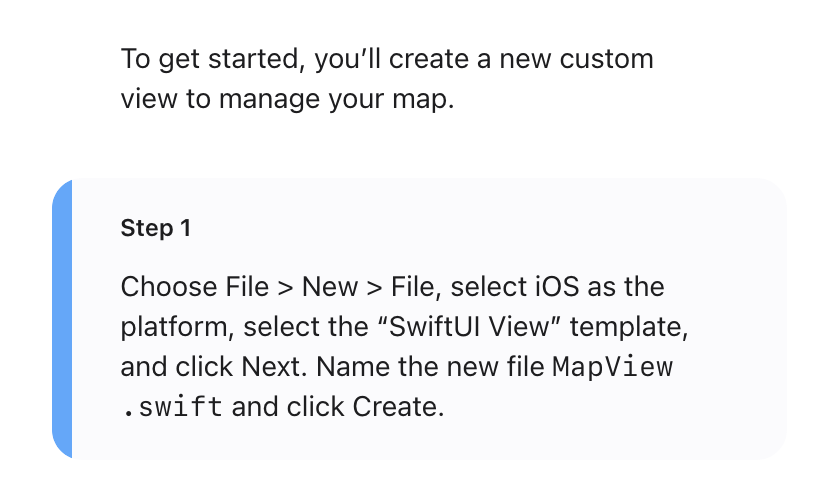

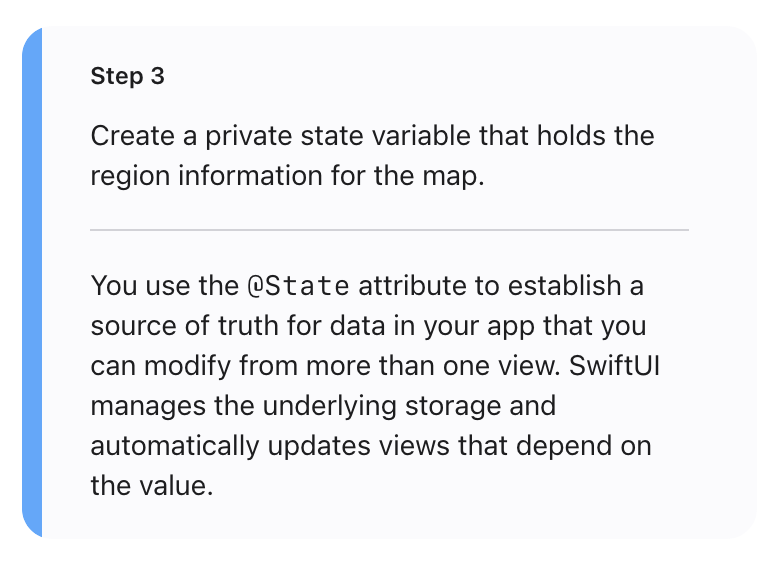
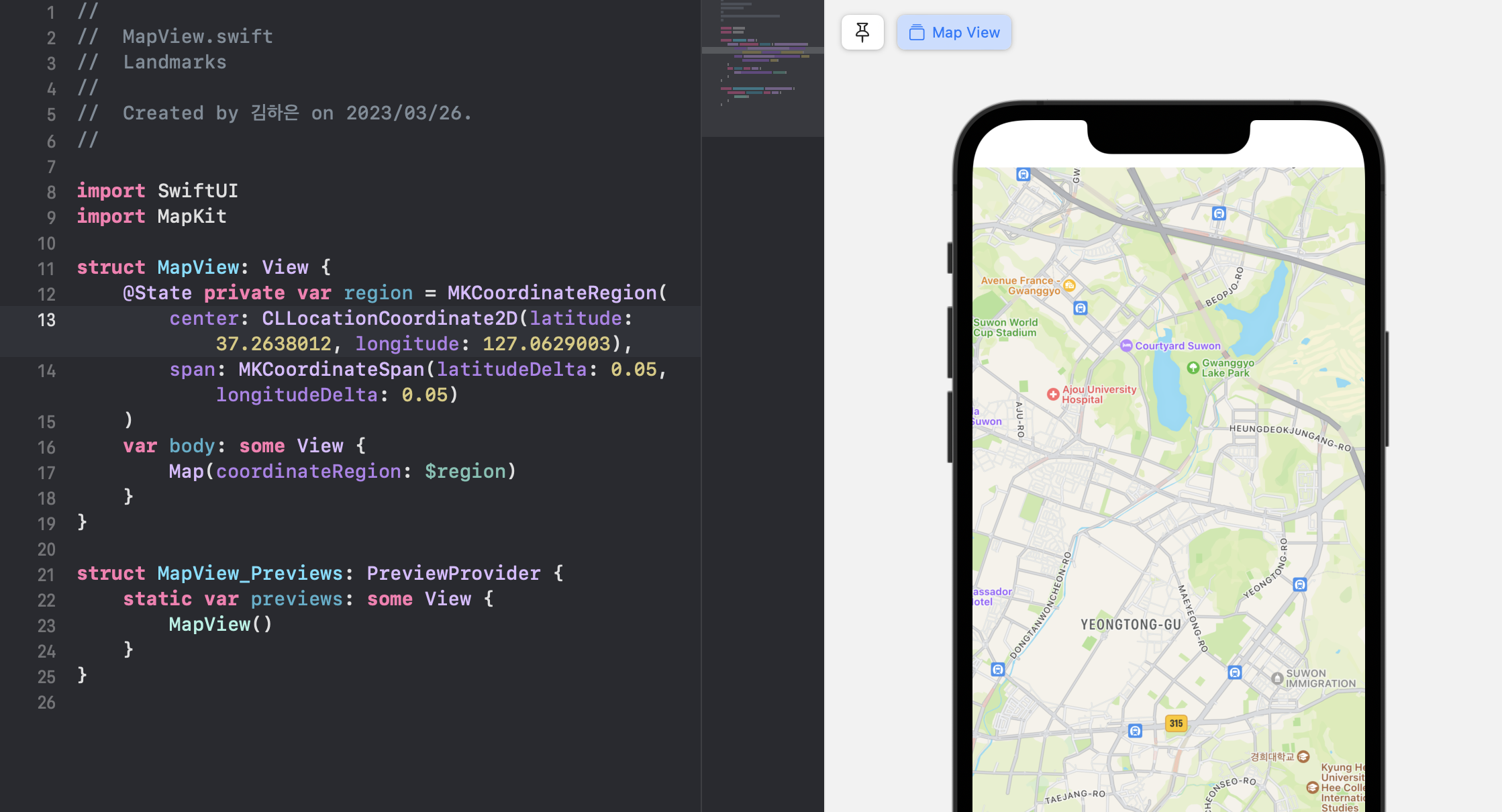
- @State 특성을 사용하여 둘 이상의 보기에서 수정할 수 있는 앱의 데이터에 대한 신뢰할 수 있는 소스를 설정
- SwiftUI는 기본 스토리지를 관리하고 값에 따라 뷰를 자동으로 업데이트함

//
//  ContentView.swift
//  Landmarks
//
//  Created by 김하은 on 2023/03/26.
//

import SwiftUI

struct ContentView: View {
    var body: some View {
        VStack {
            MapView()
                .ignoresSafeArea(edges: .top)
                .frame(height: 300)
            CircleImage()
                .offset(y: -130)
                .padding(.bottom, -130)

            VStack(alignment: .leading) {
                Text("Turtle Rock")
                    .font(.title)
                    .foregroundColor(.black)
                HStack {
                    Text("Joshua Tree National Park")
                        .font(.subheadline)
                    Spacer()
                    Text("California")
                        .font(.subheadline)
                }
                .font(.subheadline)
                .foregroundColor(.secondary)

                Divider()

                Text("About Turtle Rock")
                   .font(.title2)
                Text("Descriptive text goes here.")
            }
            .padding()
            Spacer()
        }
    }
}

struct ContentView_Previews: PreviewProvider {
    static var previews: some View {
        ContentView()
    }
}